Customer reports
Check out our overhauled documentation site, currently in beta:
https://docs-beta.courselit.app
You can see the customers of a product in the Customers section of the product dashboard.
Access the customer list
-
From the
Productssection in the dashboard, select your product to open its dashboard. -
Click on the
Customerscard to open the customer list.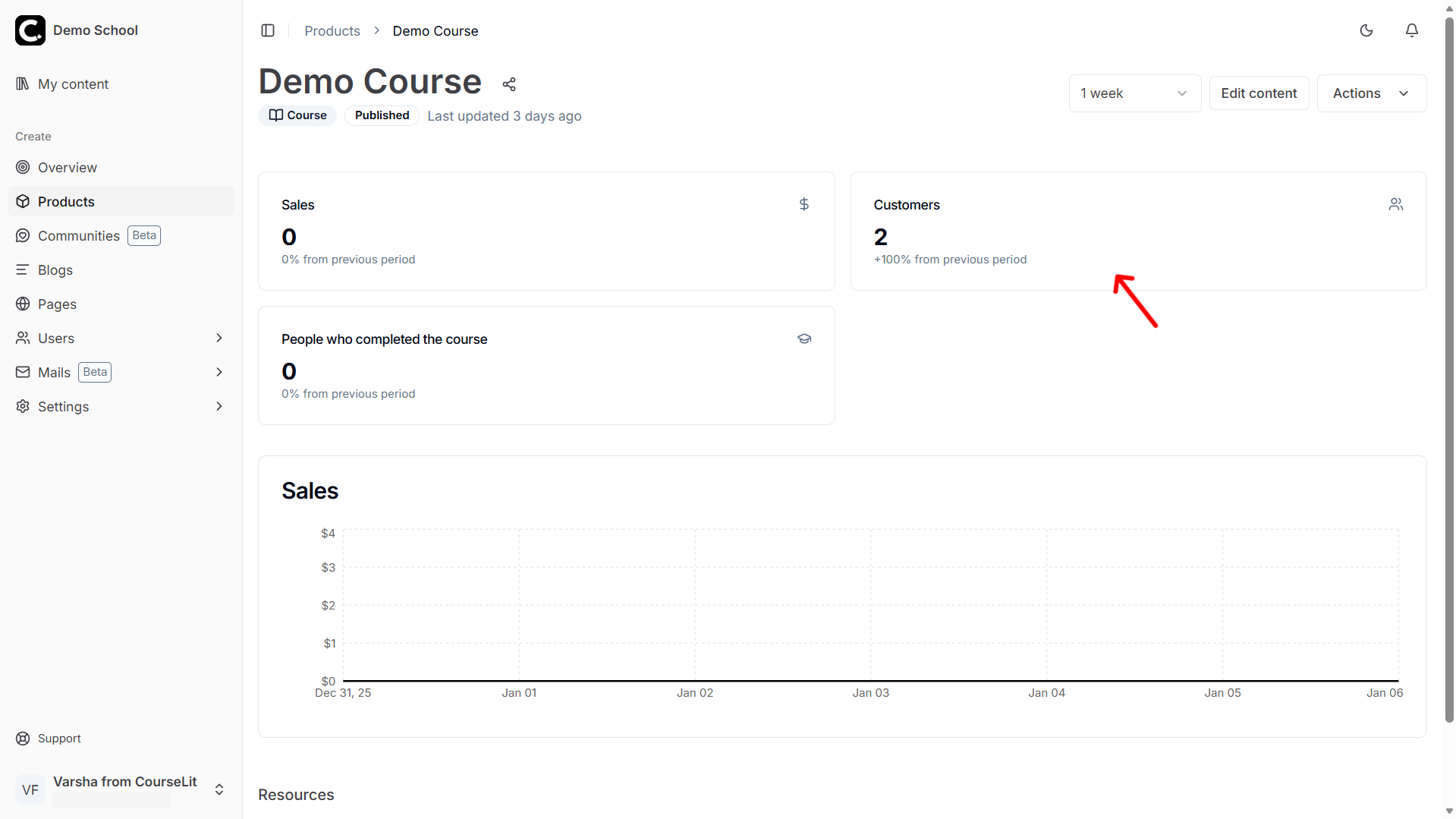
-
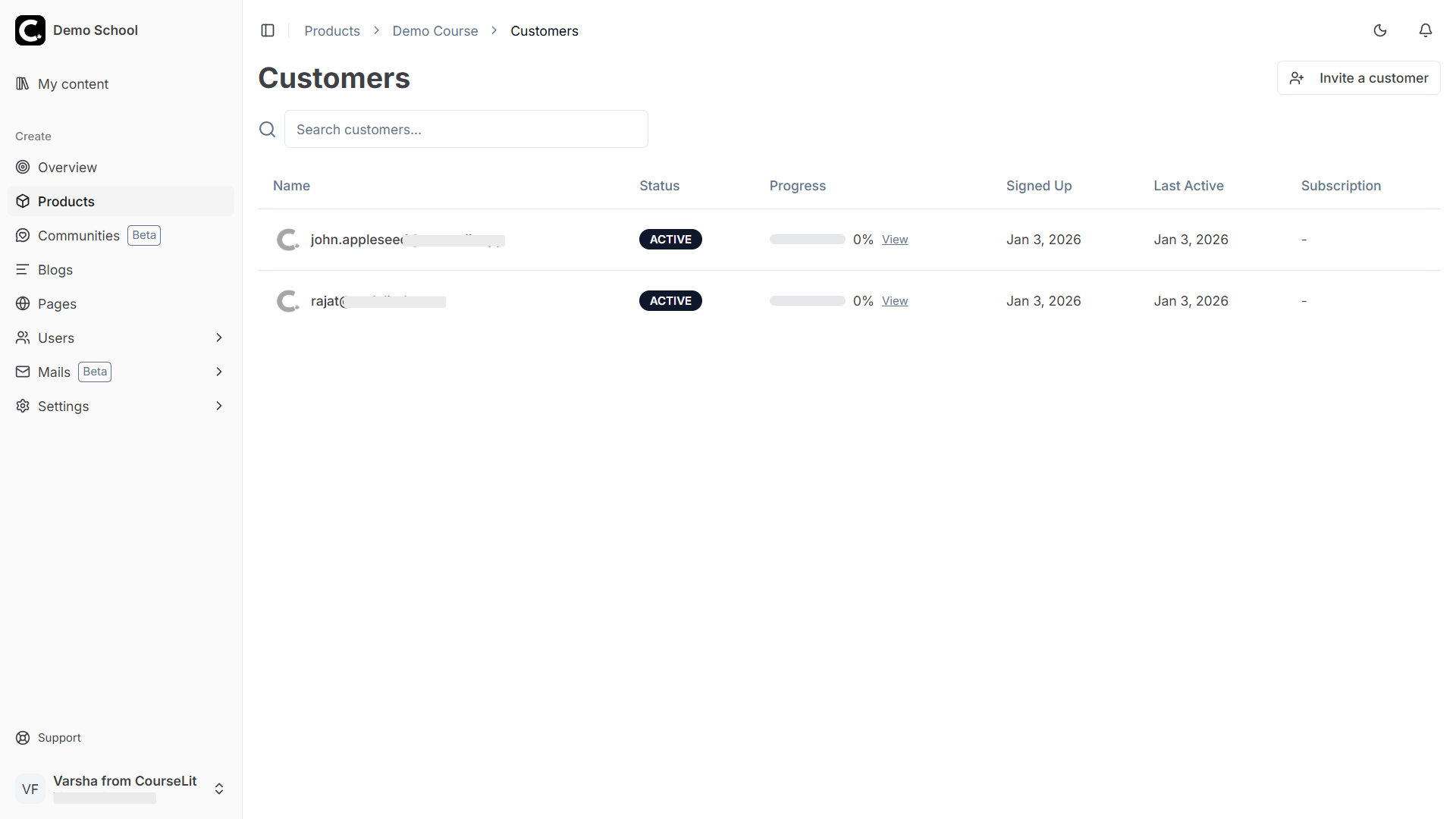
The customer list page displays all the customers of the product.
View customer progress
-
To view a customer’s progress (applicable to courses), click on the
Viewlink in theProgresscolumn.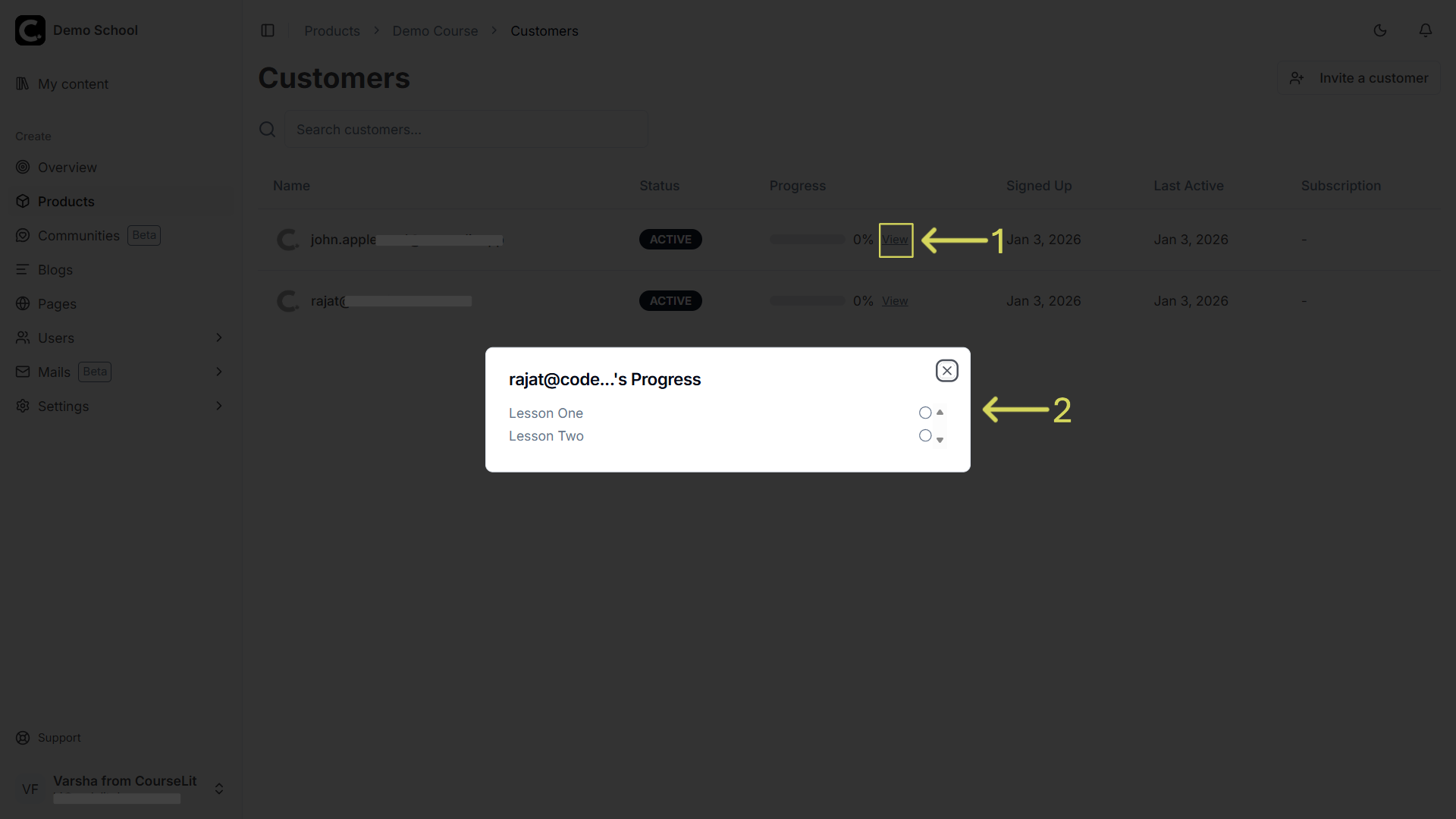
Stuck somewhere?
We are always here for you. Come chat with us in our Discord channel or send a tweet at @CourseLit.